A menu bar app for the Mac
Videos,
written
down.
Paste a link and Recap saves the video as a Markdown transcript in seconds. Connect it to Claude or Codex once, and you never open it again: just ask for a summary.
Why we sleep less in summer
Slow Science
Why we sleep less in summer
[0:00]Every June, the same question lands in my inbox: why can't I sleep?
[0:21]Most of it comes down to one hormone and when your eyes see light.
[1:04]Melatonin starts rising about two hours before your usual bedtime.
[1:47]Long evenings push that signal later, so you feel awake at eleven.
[2:30]The fix is not a pill. It is the first twenty minutes of your morning.
Built-in MCP server
The easiest app is the one you never open.
Recap carries an MCP server inside the app. Your assistant fetches the transcript, reads every word of it and saves the summary next to it. You just ask.
- 1You askIn plain words, with a link.
- 2Recap transcribesCaptions first, on your Mac.
- 3Claude writesTL;DR, key points, quotes with timestamps.
- 4It's savedBeside the transcript, as Markdown.
>
● recap · transcribe_video(url: "youtu.be/sl33p-summ3r")
⠋ Fetching captions…
⎿ Saved ~/Downloads/Why we sleep less in summer.md Slow Science · 18:42 · source: captions · 3,214 words
Read the full transcript. Writing the summary.
● recap · save_summary(transcript_path, markdown)
Why we sleep less in summer.summary.md
Your own assistant writes the summary, with the plan you already have.
Recap is free. Nothing is metered and there is nothing to top up.
The server tells the model the whole flow. "Summarise this" is enough.
No sign-in. Transcripts are files in a folder you choose.
Captions first, Whisper second
Seconds when it can. On your Mac when it can't.
Most videos have captions, so Recap reads those and you have the text in seconds. No captions? It transcribes the audio on your Mac with a speech model you download once. The audio never leaves your Mac.
Read straight from the video. Nothing to download, nothing to wait for.
Plain Markdown, in Downloads
A file you own, not a feed you scroll.
Every recap is an ordinary .md file in a folder you pick. Open it in anything, drag it into any chat. Spotlight already searches it.
---
title: "Why we sleep less in summer"
channel: "Slow Science"
url: https://www.youtube.com/watch?v=…
published: 2026-06-21
duration: "18:42"
language: en
source: captions
transcribed: 2026-10-20
---

# Why we sleep less in summer
**Slow Science** · 2026-06-21 · 18:42 · [Watch](…)

## Transcript
**[0:00]** Every June, the same question lands in my inbox…
**[0:21]** Most of it comes down to one hormone and when…
**[1:04]** Melatonin starts rising about two hours before…

## Full text
Every June, the same question lands in my inbox: why…
- Where the words came from
sourcesays captions, auto-captions or whisper, so you know how far to trust a quote. - A timestamp on every paragraphJump back to the moment in the video, or cite it.
- The full text, unbrokenFor searching, quoting and pasting anywhere.
- Long videos are fineThe assistant reads them in chunks until it has every word.
The summary lands right beside it.
TL;DR, key points, notable quotes with their timestamps, and action items when the video has them. Never anything the video didn't say.
One click per assistant
Press Connect. Then just talk.
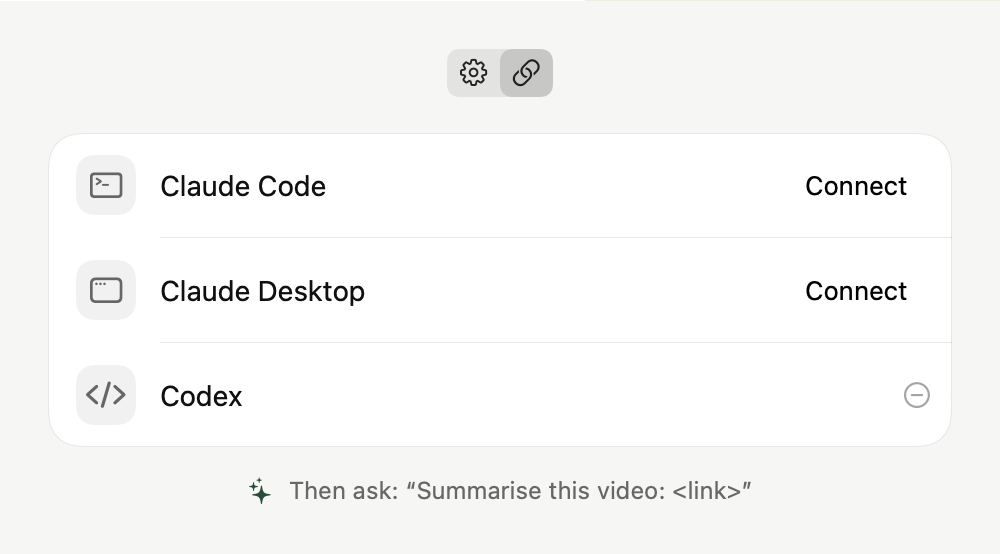
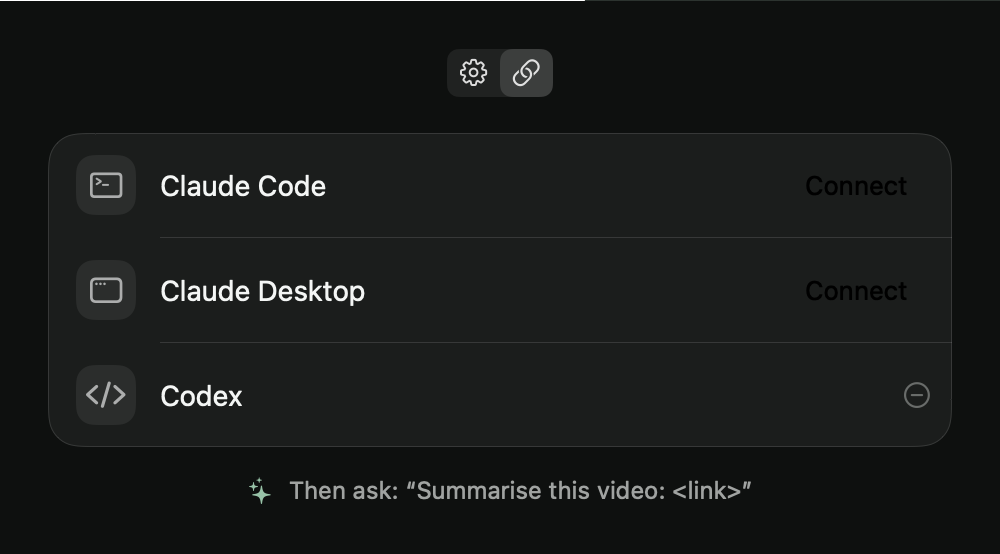
Settings lists Claude Code, Claude Desktop and Codex. One press each, restart the assistant, and ask it to summarise this video. Try it here.
- It only touches its own entry. Your other servers and settings stay as they are.
- It backs the file up first, and won't rewrite a config it can't read.
- Any MCP client works. It's a plain stdio server, so you can add it by hand too:
claude mcp add --scope user recap -- /Applications/Recap.app/Contents/MacOS/recap-mcp
[mcp_servers.recap]
command = "/Applications/Recap.app/Contents/MacOS/recap-mcp"
tool_timeout_sec = 900
Saves the transcript and hands back its path, the video's details and the timestamped text.
The next part of a long transcript, so nothing gets cut off.
Writes the summary beside an existing transcript, and nowhere else.
Three tools. That's the whole surface a model can touch.
Lives in the menu bar
Small enough to forget it's there.
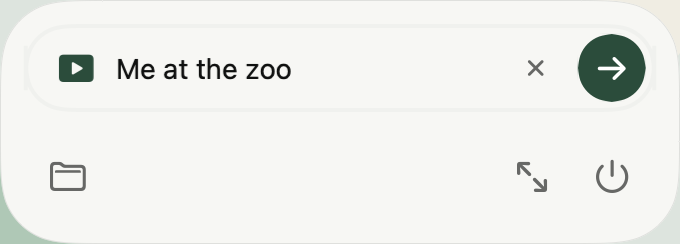
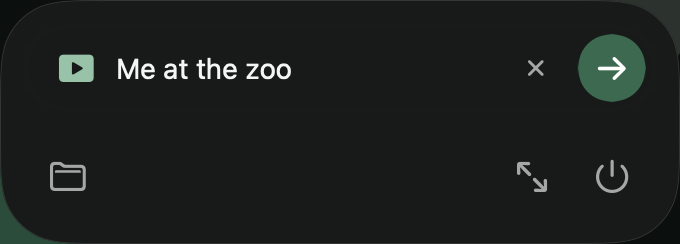
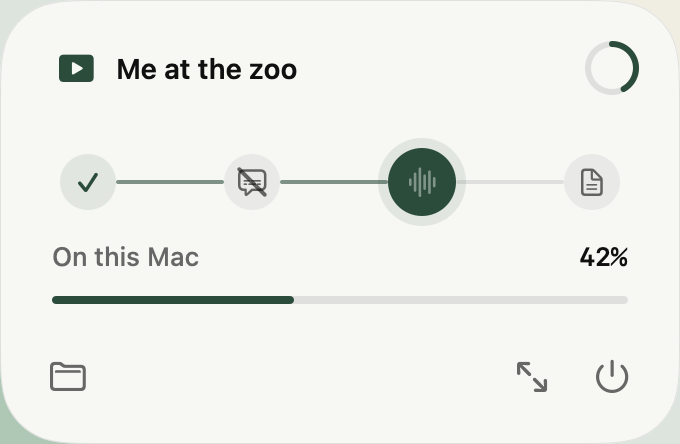
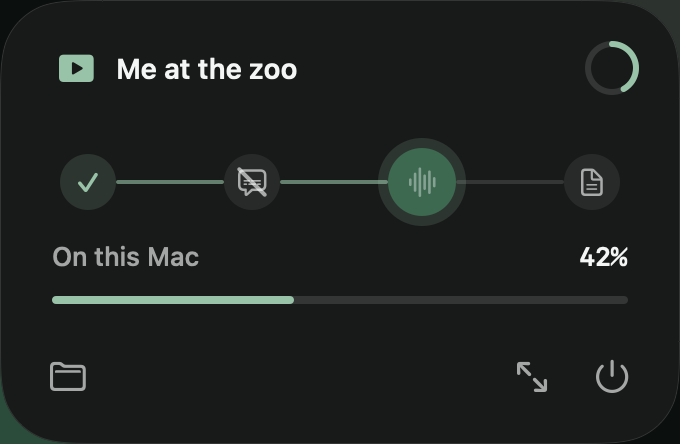
One field, one arrow. The icon's lines dim while it works, and it opens at login so it's ready when a link turns up.
Three steps
Drag, paste, ask.
Open Recap.dmg and drop Recap in. It appears in your menu bar.
The first run fetches the video downloader by itself. Captioned videos work right away.
Settings, Connections, Connect. Then ask it to summarise a video.
Read the video. Keep the point.
Recap is free and goes out to friends first. Ask for a copy and it comes by email. Needs a Mac with Apple silicon on macOS 26 or later.
Questions
Which sites does it work with?
YouTube and most other video sites. Recap uses yt-dlp under the hood, which it downloads and keeps up to date by itself.
Does it need an API key or a subscription?
No. Recap never calls a model. The summary is written by the assistant you already use, through MCP, so there's nothing to set up and nothing extra to pay.
What if a video has no captions?
Recap transcribes the audio on your Mac with Whisper. You download the speech model once (about 140 MB) from the panel or Settings. Nothing is uploaded.
Can I use it without Claude or Codex?
Yes. Every transcript is a plain .md file. Drag it into any chat, or press the sparkles in Recap to copy a ready-made "summarise this transcript" prompt.
Where do the files go?
To Downloads by default; pick any folder in Settings. The downloader, speech models and settings live in ~/Library/Application Support/Recap/.
How do I remove it?
Delete Recap.app and ~/Library/Application Support/Recap/, then remove the recap entry from whichever assistant you connected. Recap keeps a backup of every config it edited.